Stax – Miscellaneous
Overview
Section titled “Overview”This section incorporates additional minor settings of which apply to the website globally, once enabled.
These settings can be found within the Appearance > Customize > Miscellaneous section. A number of settings are provided here. These include:
- Page Preloader
- Disable Page Comments
- Disable Post Comments
- Display Post Updated Date
- Dev Mode
Page Preloader
Section titled “Page Preloader”A preloader is basically an animation that you see in a website, as the rest of the page content is being loaded. It could be in form of a picture, an icon or a CSS animation depending on how it’s prebuilt within a theme.
Within the Stax theme, this option can be enabled by turning on the option: “Page Preloader“.
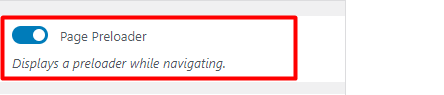
Below is a sample illustration of the Preloader within the Stax Theme:
Disable Page Comments
Section titled “Disable Page Comments”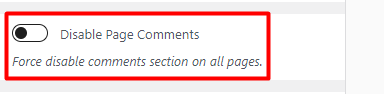
When turned on, this option completely disables the commenting feature within the website pages.
Disable Post Comments
Section titled “Disable Post Comments”
Once turned on, this option disables commenting within posts on your website.
Below is a sample screenshot comparison when this option is enabled and disabled:
Option Disabled (Comments Enabled)
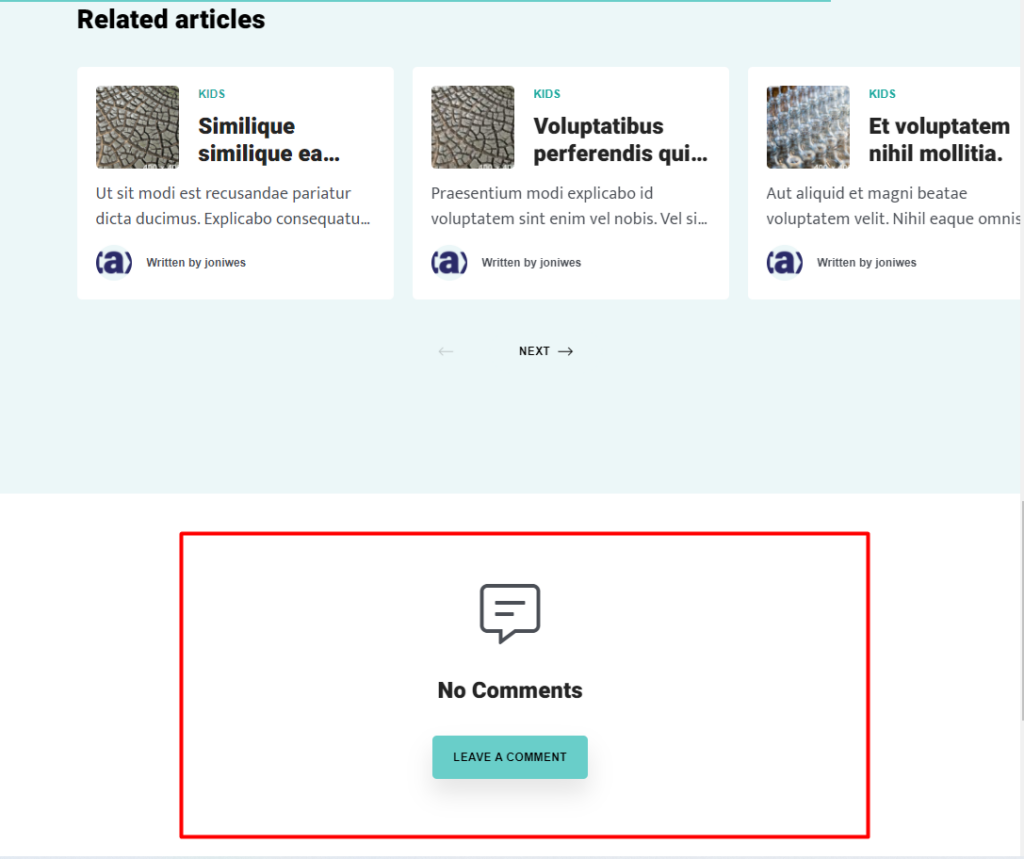
Option Enabled (No Comments)
Display Post Updated Date
Section titled “Display Post Updated Date”
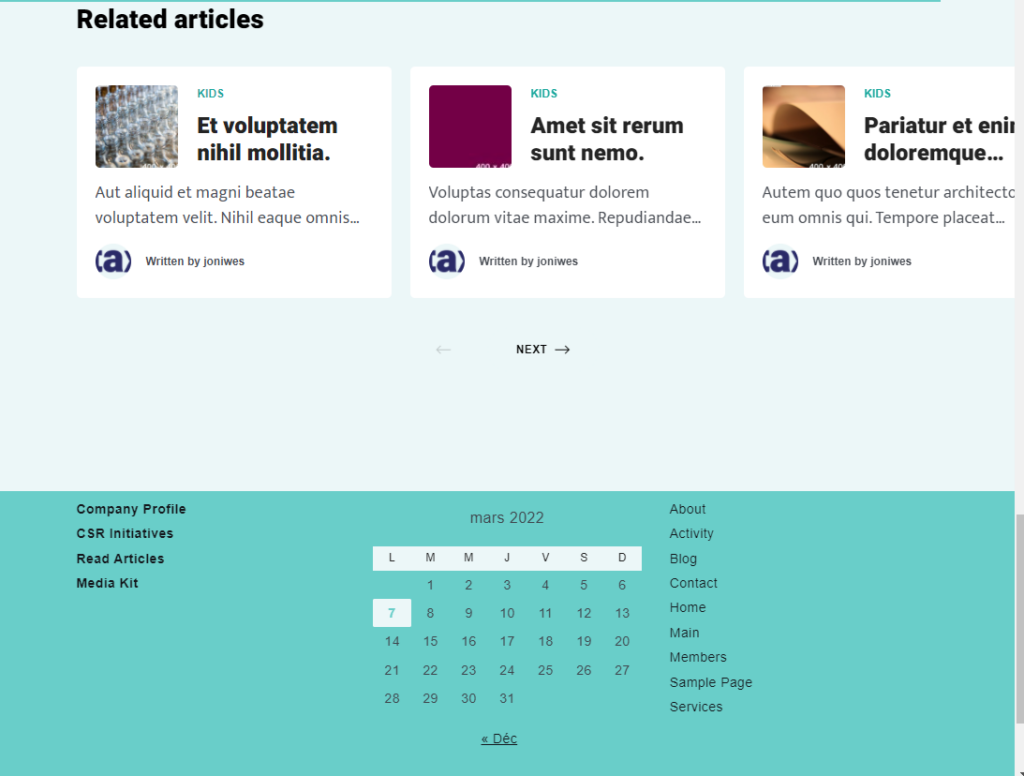
Displaying the post update date is important for websites that are regularly updated such as news websites. Within the Stax theme, the publish date is what is displayed on posts by default.
When the “Display Post Updated Date” option is enabled, the post update date will be displayed both on the post listings and single post pages instead of the publish date.
Dev Mode
Section titled “Dev Mode”
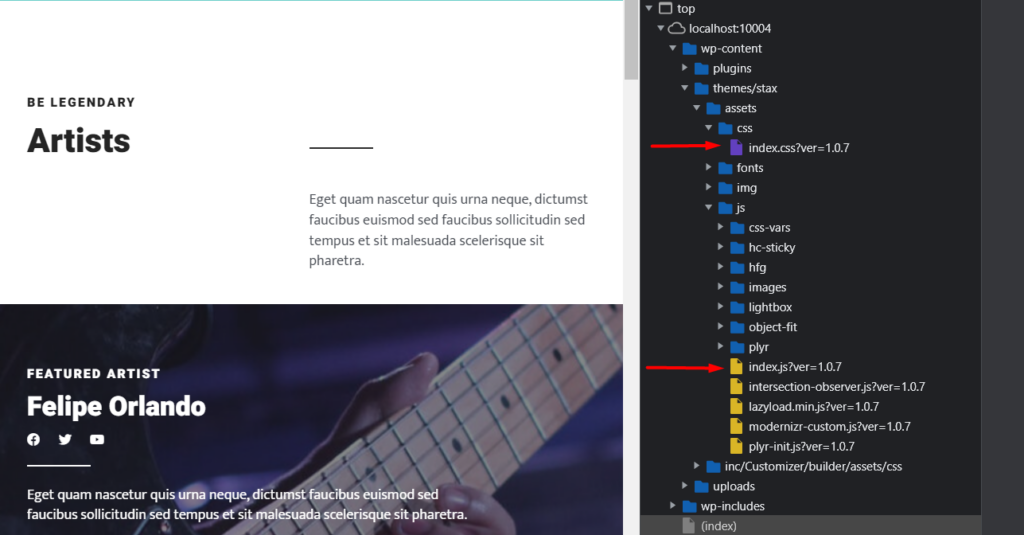
Minified resources such as streamlined CSS and JS files results to a faster page load time compared to unminified files .
Minified code is however not recommendable for development purposes as minification makes the code difficult to read and edit. At times you may therefore need to to disable the minification. Stax theme provides a feature to switch to dev mode to cater for such scenarios
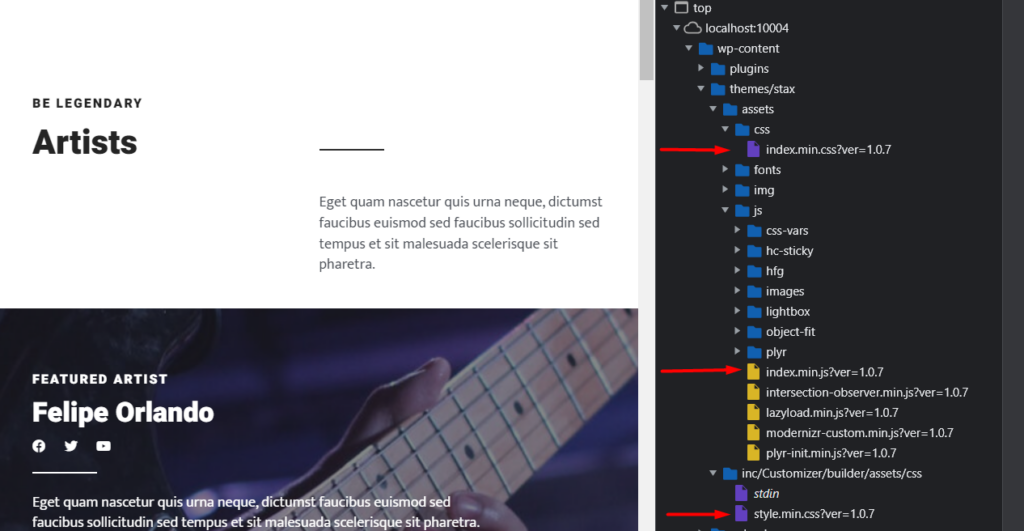
When “Dev Mode” is enabled, the theme resources such as CSS and JS files are loaded unminified. If on the other hand it is disabled, the minified resources are loaded.
Below is a sample comparison:
Dev Mode (Disabled)
Dev Mode (Enabled)