
Theme Translation Basics
Overview
Section titled “Overview”WordPress being an open source platform is available in a number of languages. You may hence need to also have the theme rendered based on the language that you wish to use for your website.
Stax theme makes this process seemingly easy for you as it is translation-ready, hence allowing you to easily translate it without the need of editing your theme files. Within this guide, we will cover the basics required for translations.
Setting the Site Language
Section titled “Setting the Site Language”In WordPress versions 4.0 and above, WordPress allows you to define the site language within your WordPress dashboard. You can easily achieve this by navigating to the Settings > General > Site Language section. Below is a screenshot on this:
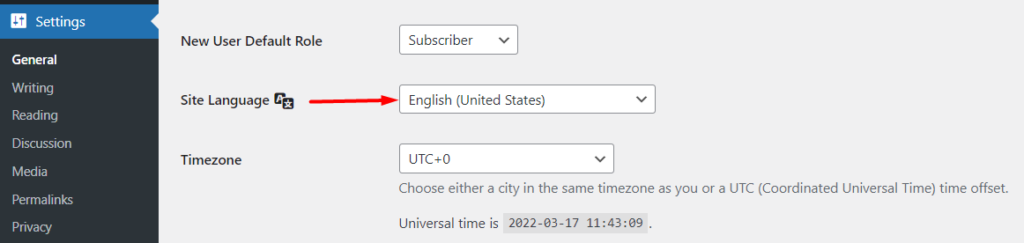
From the dropdown, you can specify your desired site language, and once done, save your changes.
This is a crucial step before beginning the translation process.
Language File Formats
Section titled “Language File Formats”WordPress uses language files to facilitate translations. These language files are in the formats mentioned below:
- .POT
- .po
- .mo
POT (Portable Object Template)
Section titled “POT (Portable Object Template)”The POT is the master translation file that includes all the Strings within the theme that are available for translation.
This file is named stax.pot within the theme and is located within the stax > languages directory path.
Below is a sample view of the file;
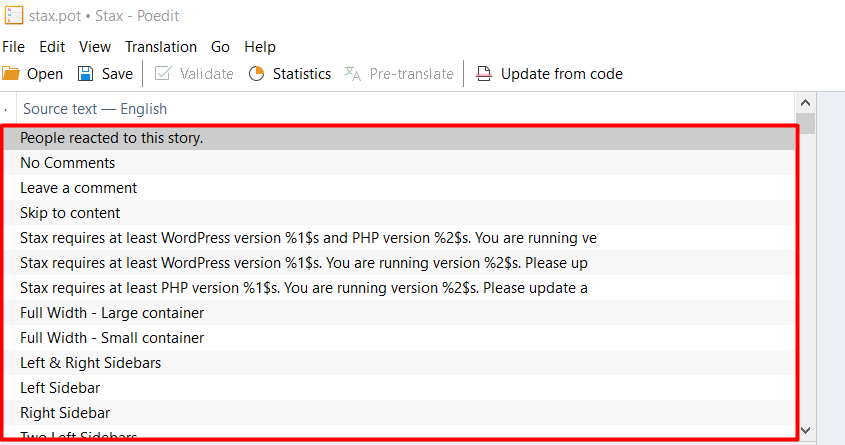
This file does not contain any translations as can be seen in the screenshot above.
PO (Portable Object)
Section titled “PO (Portable Object)”PO files are human readable files that contain both the original theme Strings and their respective translations, if any are carried out. The Strings are represented in side by side columns, making them easily readable.
This file will be also generated after carrying out your translation, from the POT file.
Below is a sample view of the file:
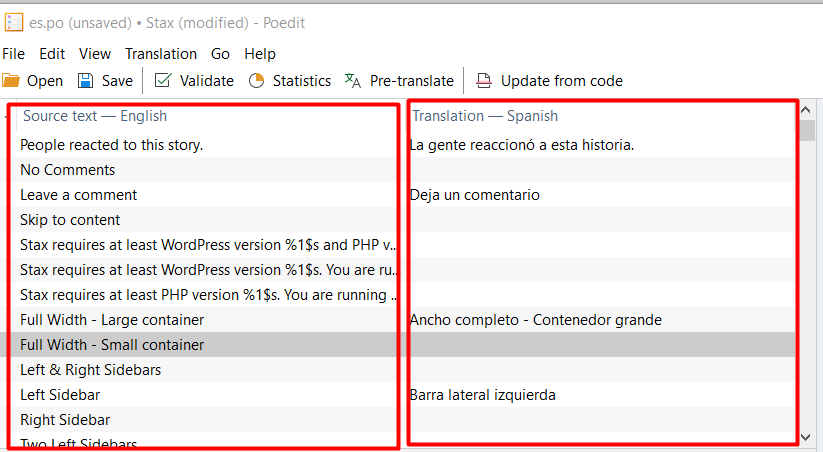
You can also alter this file manually via a text editor.
MO (Machine Object)
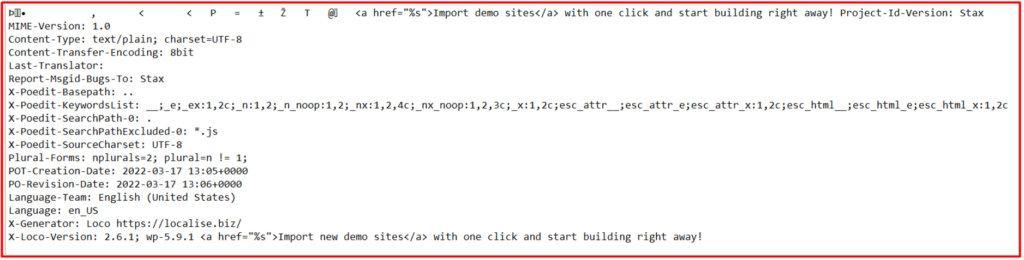
Section titled “MO (Machine Object)”Mo files are machine readable files generated from PO files. Basically they contain the similar content to the PO files but unlike PO files, these files cannot be read by humans.
Below is a sample view of the file:
Translation Plugins/Software
Section titled “Translation Plugins/Software”There are a number of plugins/Software that can be used to translate the Stax theme. The main translation software we however do recommend include:
- Poedit (Desktop Software)
- WPML plugin
- Loco Translate plugin
Within our translation guides segment we will cover how to translate the theme with each of these tools as outlined below: