
BuddyBuilder documentation
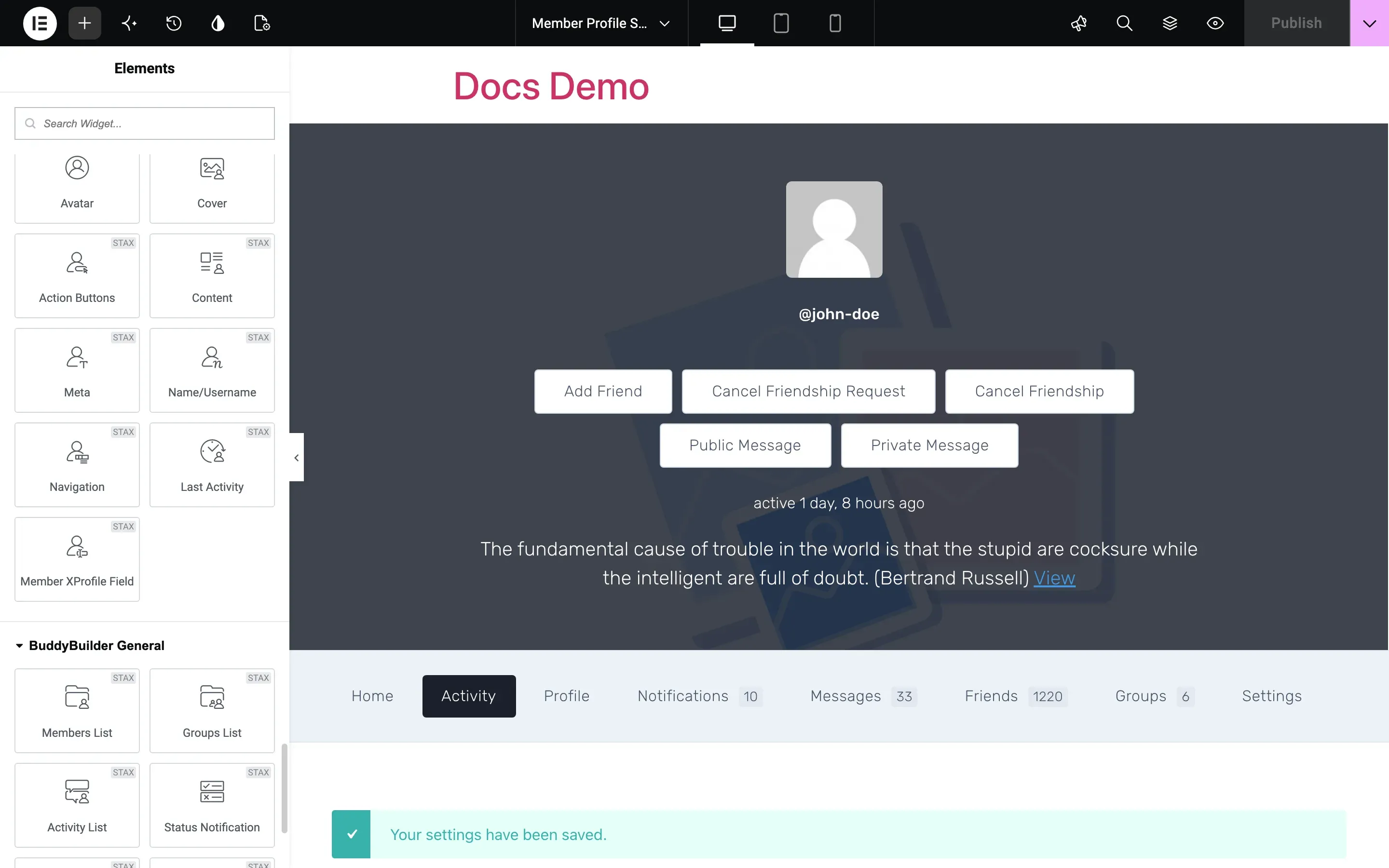
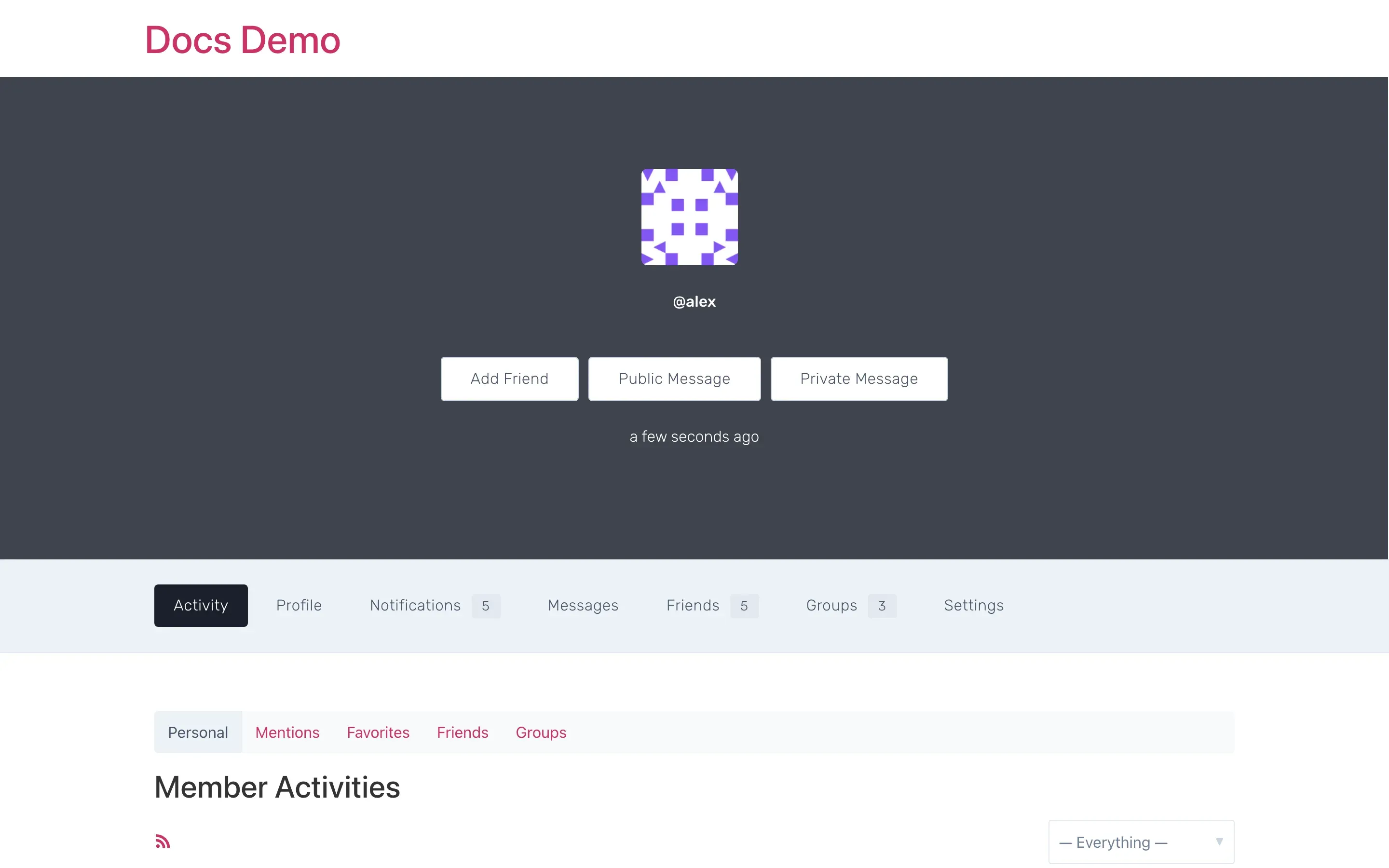
BuddyBuilder replaces the default BuddyPress and BuddyBoss Platform templates with layouts you design in Elementor. It adds a set of Elementor widgets for each community page: member profile, members directory, group profile, groups directory and site-wide activity.
Requirements: WordPress 5.0 or newer, PHP 7.4 or newer, Elementor (the free version is enough) and BuddyPress or BuddyBoss Platform. Details are in Plugin requirements.
Get started in 4 steps
Section titled “Get started in 4 steps”- Install the plugin. Install and activate Elementor, BuddyPress (or BuddyBoss Platform) and BuddyBuilder. See Install BuddyBuilder.
- Import a template kit or create a template. Go to BuddyBuilder > Templates and import a kit, or go to BuddyBuilder > Dashboard and click Create new under a page type. See Import template kits and Create and assign templates.
- Edit with Elementor. Open the template with Edit current and arrange the BuddyBuilder widgets for that page type.
- Check the BuddyPress page. Visit a member profile, a group or the activity page on the front end. The page uses the template selected in BuddyBuilder > Dashboard.
Free and Pro
Section titled “Free and Pro”BuddyBuilder is free on WordPress.org. BuddyBuilder Pro is an add-on plugin that needs the free plugin active.
| Feature | Free | Pro |
|---|---|---|
| Templates for Member Profile, Members Directory, Group Profile, Groups Directory and Site-Wide Activity | Yes | Yes |
| Free Starter Template kit | Yes | Yes |
| Members List, Groups List and Activity List widgets for any Elementor page | Yes | Yes |
| Modern Pro Kit, Fresh Pro Kit and BuddyBoss Platform Kit | No | Yes |
| Loop item templates: Members Directory Loop Item, Groups Directory Loop Item, Site-Wide Activity Loop Item | No | Yes |
| Register page and Groups Create templates | No | Yes |
| Styling of the content inside member profile and group tabs (activity, profile, messages, notifications, settings, members, invites, manage) | No | Yes |
| Notifications, Messages, Members Tab List, Groups Tab List, Post Update Form and Member XProfile Field widgets | No | Yes |
| Modules: Ads Manager, Birthday, Link Preview | No | Yes |
To buy or compare plans, see pricing. To install Pro and activate the key, see Activate the BuddyBuilder Pro license.
Setup guides
Section titled “Setup guides”- Plugin requirements
- Install BuddyBuilder
- Import template kits
- Create and assign templates
- Activate the BuddyBuilder Pro license
- Translate BuddyBuilder
Widget reference
Section titled “Widget reference”- Member profile widgets
- Members directory widgets
- Group profile widgets
- Groups directory widgets
- Site-wide activity widgets
- Activity item widgets (Pro)
- Register page widgets (Pro)
- BuddyBuilder Pro modules
- Troubleshooting
- Code snippets
- Changelog
- License and account
- Support: open a ticket with an active Pro license, or use the WordPress.org forum for the free plugin.