Activity – Load More Button
Display
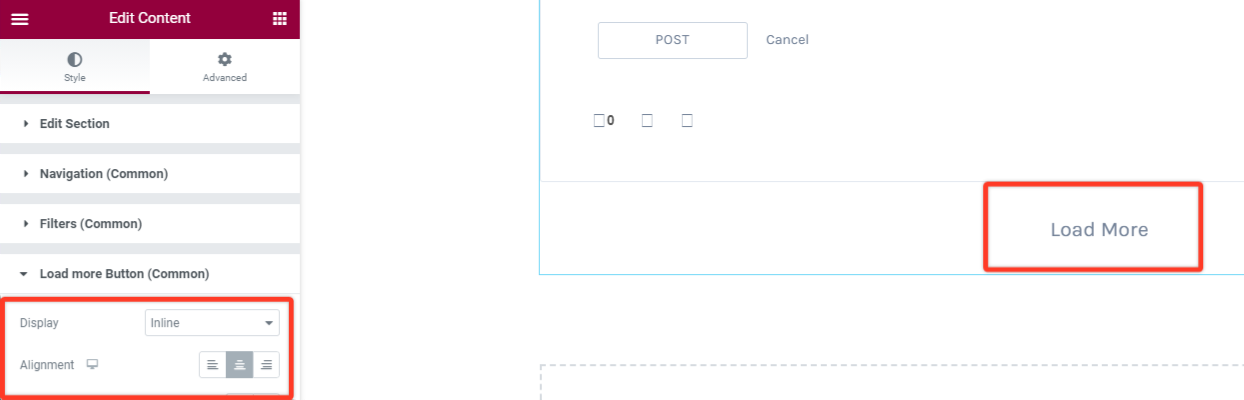
This option will allow you to set the button in either the inline or block position.
Alignment
You can set the position of the load more button within the page (Either towards the left, right or center location)
Typography
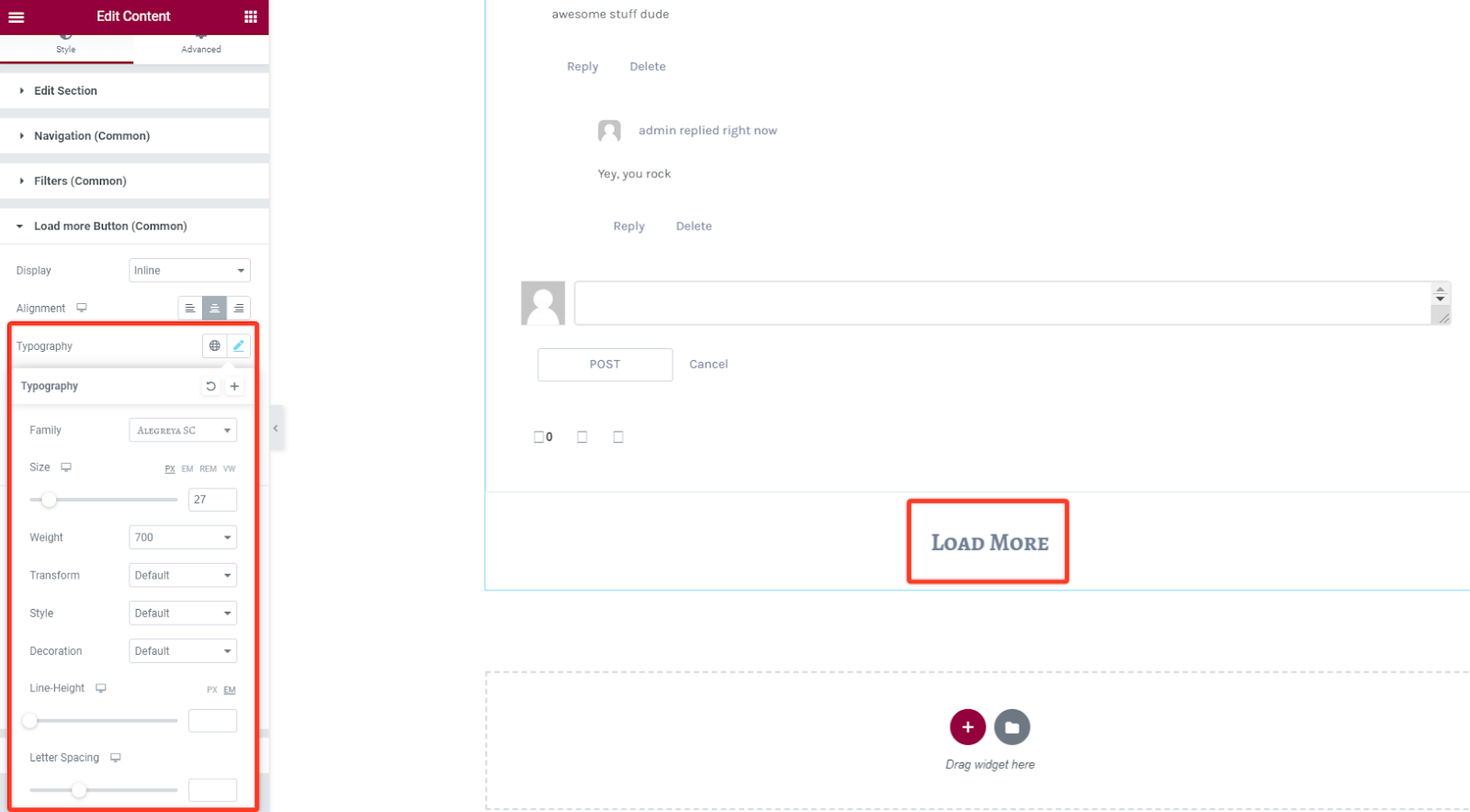
With this style option you can alter the font settings of the text in the button. Change the font family, size, weight, style, line height among others.
Text and Background Color
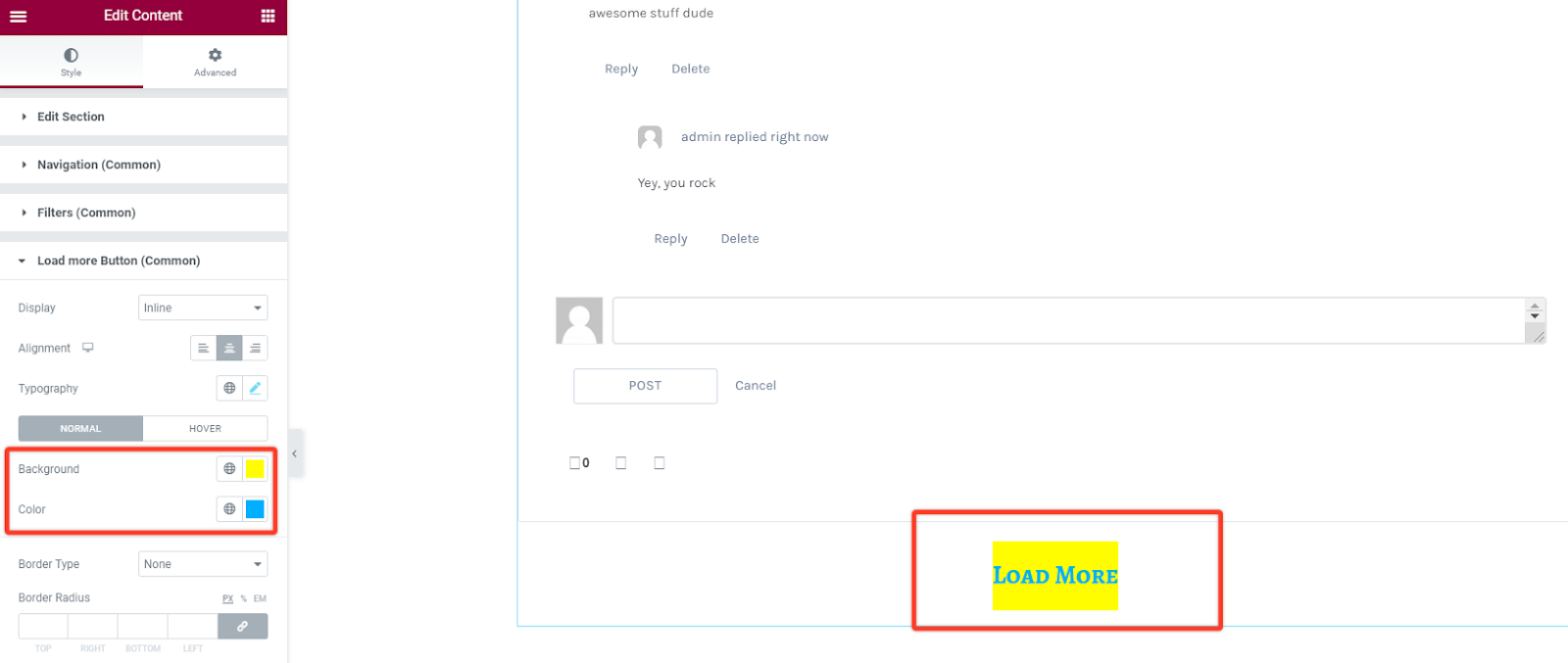
Under this option you have the option to choose your preferred text and background color for the button.
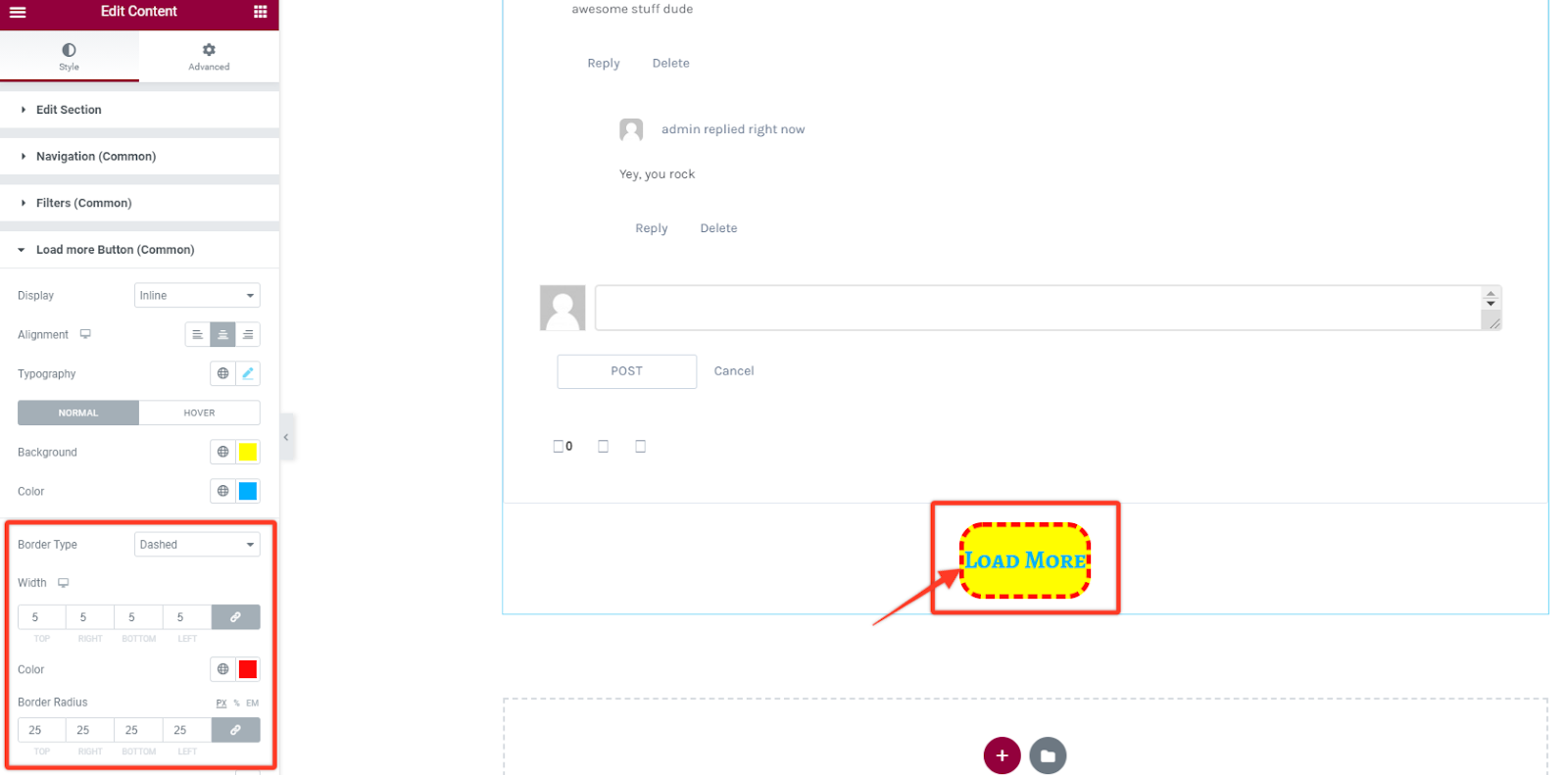
Border Styling
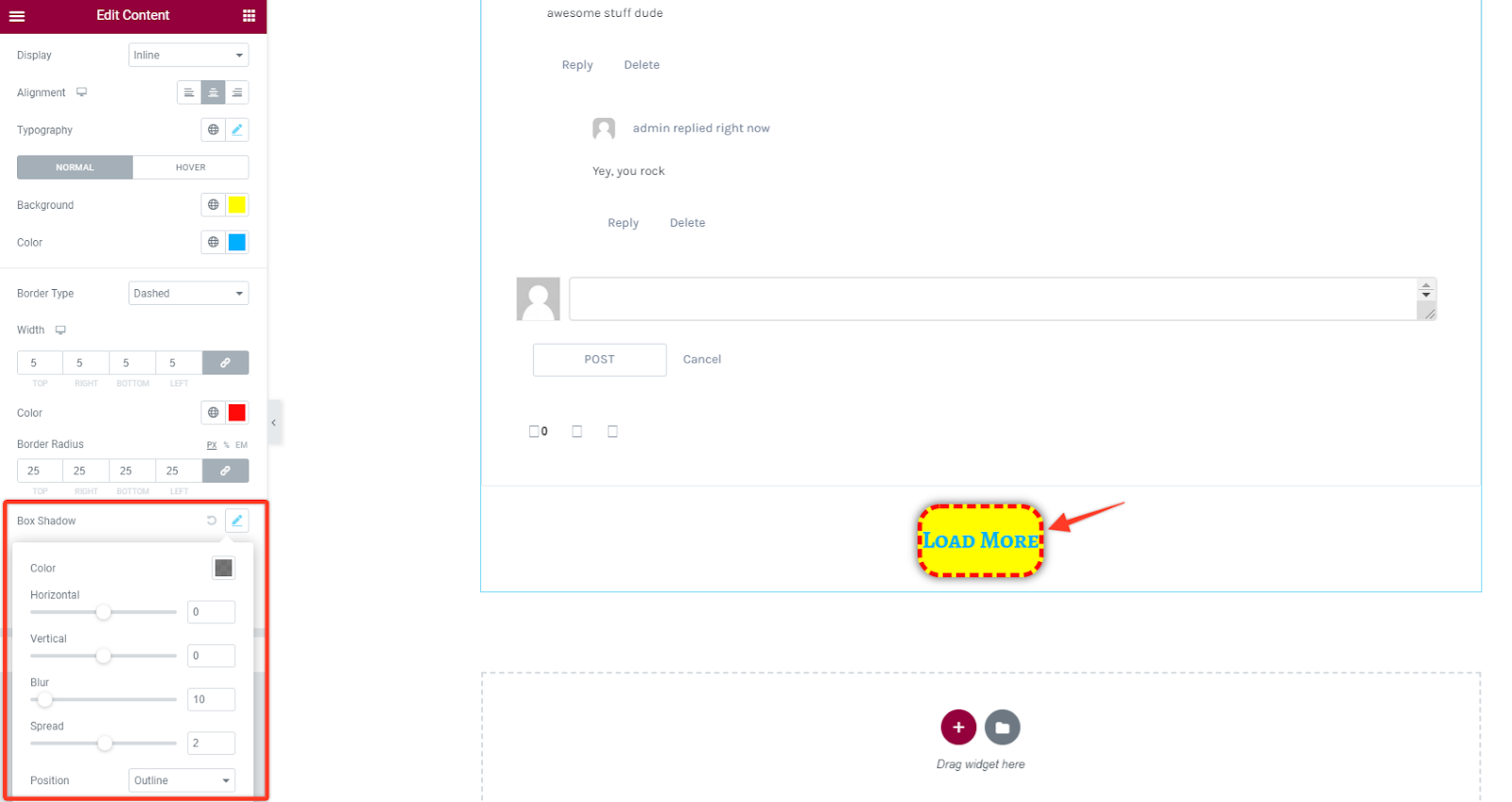
Similarly, with this option you can add some border styling like setting different border types like solid, dotted, dashed, double among others. Then define the width size of your border in the load more button item section. Choose a preferred color for the border and add a radius size in case you want the borders to have rounded corners.
Box Shadow
As for this styling you can add some shadow effect to the button. You can adjust the blur size and spread it horizontally or vertically then add position to the shadow either outline or inset.