
Cover Image (Pro)

Renders the cover image to the Member directory
Styling the Cover Image
Section titled “Styling the Cover Image”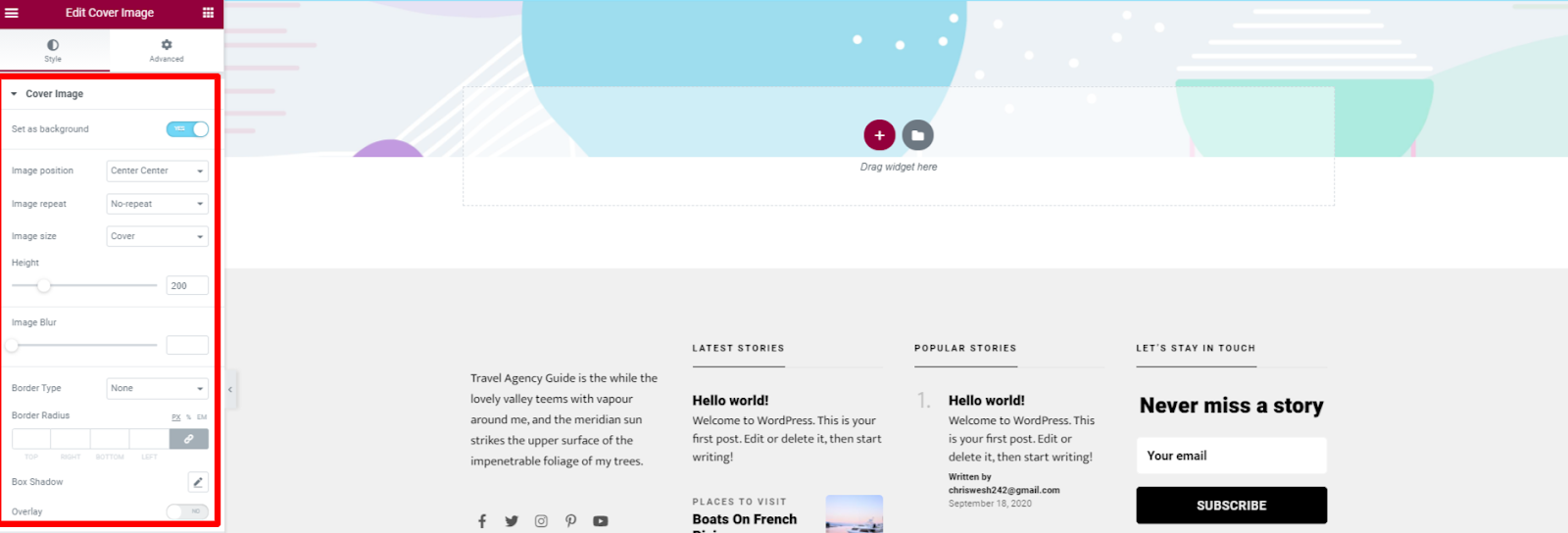
Set as Background
Sets the cover image as the background to the section.Image Position: Specifies the positioning of the image with reference to the top, bottom, left, and right properties.
Image repeat
Determines if/how a background image will be repeated.
Image Size
Defines the space occupied by the cover image.
**Height
**Sets the height occupied by the cover image.
**Image blur
**This setting removes emphasis from the finer details on the cover image and instead conveys the overall nuance of the cover image.
**Border Type
**Sets the line style of the cover image.
**Border Width
**Specifies the width of the line style or rather border on the cover image.
Border Color
Sets the color to the border.
**Border Radius
**Defines the radius of the cover image’ corners.
**Box Shadow
**
Specifies the shadow attached to the Cover Image.
Overlay
Specifies a color or gradient coating over the cover image.